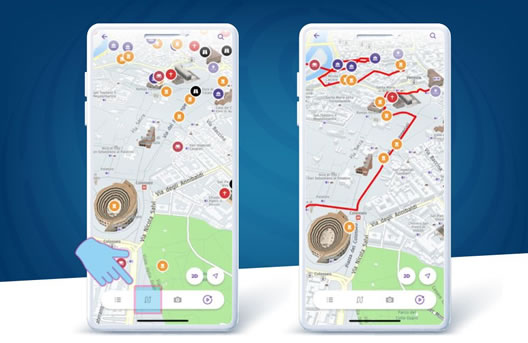
LAGOS
P O P G U I D E
Hello There!
LAGOS! YOU’VE GOT A POPGUIDE!
Information
- Address: Graaf Floriss 22A CH NY
- Call Us: +234 1 4408342 ,+234 1 2957031, 070186010001
- Email: info@popguidelagos.com
- info@popguidelagos.com
- +234 1 4408342 ,+234 1 2957031, 070186010001


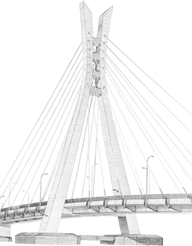

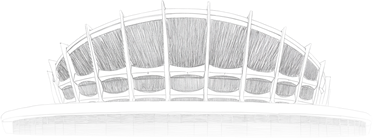
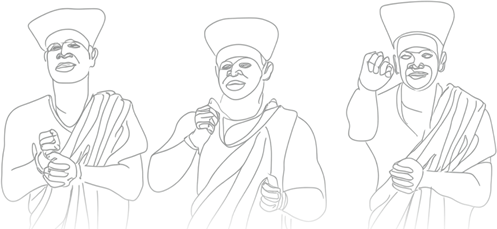

Explore the Beautiful Places Around Lagos




25+
Years of Experience


Need Your Help

LAGOS! YOU’VE GOT A POPGUIDE!
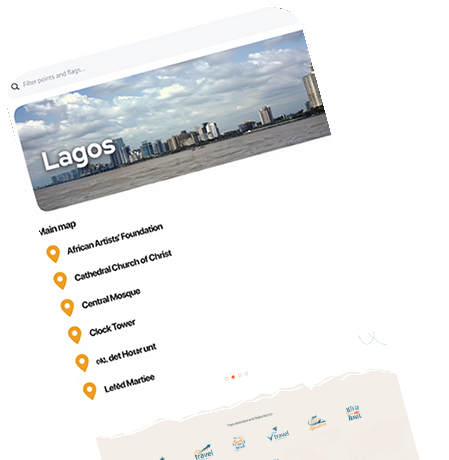
Stay in Lagos like a local, with Lagos POPGuide your multilingual city mapping and self-guided sightseeing experience, with audio commentary and stories from local experts.
- Easy Booking
- 24/7 Support
- Adventure Activitie
- Weather Updates
- Instant Confirmation
- Itinerary Planner

ABOUT LAGOS POPGUIDE
LAGOS POPGUIDE is an interactive destination, mapping and audio app that allows self-guided sightseeing experiences in Lagos, Nigeria. Routes have been specially curated by Lagosians for you to know more about the city and this will change your experience about the city.
- Isale Eko
- African Shrine
- Eyo Festival
- Mermories of Slave Trade
Advanced navigation is available for self driving round the city on the marked routes and walking itineraries, and it works offline, which means no roaming charge.
You will enjoy personal insights to hundreds of points of interest, local attractions, activities and hidden gems. Don't think you’ve seen it all, LAGOS POPGUIDE is here to show you the real reason why Lagos aka EKO is a gem by the Atlantic.

Routes


FIRST TIMER
Get 35% off Your First App User or Booking
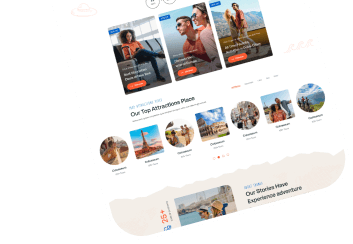
Your all-in-one travel app

OUR FAQS
Frequently Asked Questions
Bringing adventures to their journey, with all outdoor destinations on the world as our specialties. Start your adventure now!
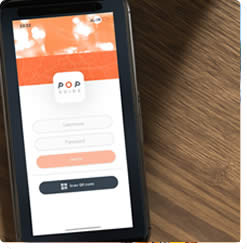
After you have purchased your login credentials through a POPGuide partner, login into the app by scanning the QR code on their voucher or by clicking on the intelligent link. This will allow you to download the app from your store and install your purchased content.
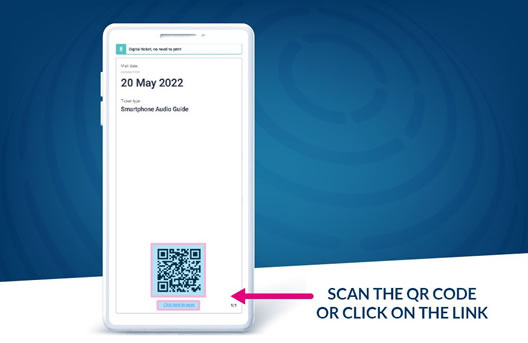
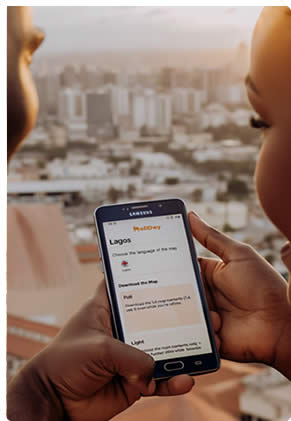
Once you login into the app, you can download your purchased content. Click on the map box, then select one of the available languages. You can choose to download the content in full or light mode. Full mode will allow you to use the app completely offline, while light mode will require an internet connection throughout your visit.
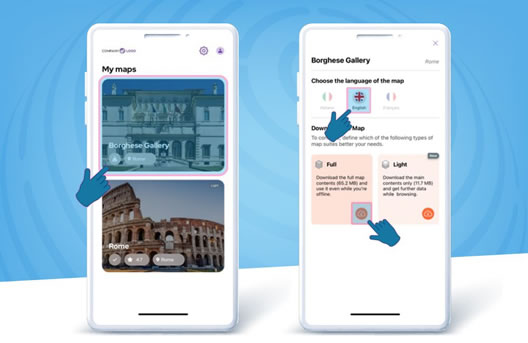
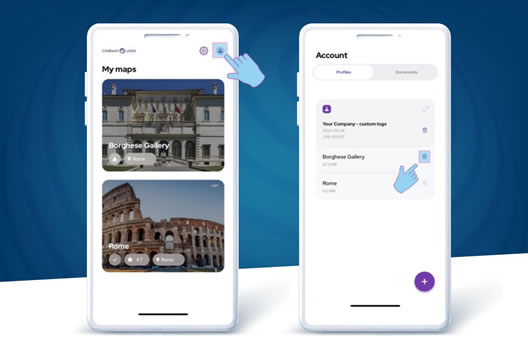
If you have selected the wrong language by mistake, you can change it in your settings. Go back to the ‘My Maps’ page, then click on your profile on the top right menù. Click on the delete icon next to the map you wish to download again. Now go back to ‘My Maps’ and download the map in your chosen language.
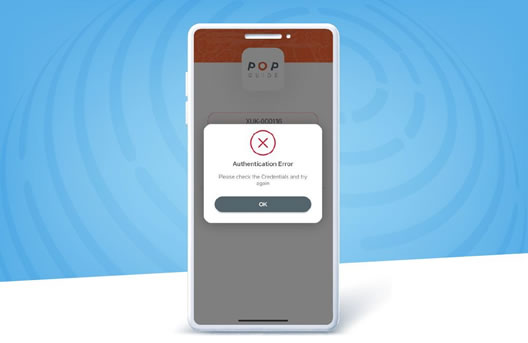
Please note that your login credentials can be used only once on your chosen device. If you have deleted the app by mistake, simply contact the our customer care, and we will generate a new login for you.
If you have purchased a city experience, we have included some suggested self-guided tours to help you discover the best the city has to offer. You can find them by clicking on the second (routes) icon of the lower menù. There you will see all the available suggested tours. Just select the one you like the most.